
Article · Brandon Warrell
Pantone vs CMYK: when is a spot color worth paying for?
Use CMYK for photos and pieces with lots of colors. Pay for a Pantone spot color when the job only needs one or two inks, when a brand color has to match the same way every time, or when you need a color CMYK can't print, such as a metallic or fluorescent. Before you decide, ask your printer whether they run spot inks at all, because many print everything in CMYK.
What's the difference between Pantone and CMYK?
The guide to logo file types covers the basic definitions. The short version: CMYK builds colors from four inks, while a spot color is one premixed ink. This article is about choosing between them.
The practical difference is how each one gets onto the paper. On an offset press, each spot color needs its own printing plate, on top of any process plates. A CMYK job uses four plates no matter how many colors appear in the design.
When is a spot color worth paying for?
Adobe's help on spot and process colors says that because spot colors need their own plates, you use them when only a few colors are needed and precise color accuracy is critical. In practice that comes down to three cases.
- One- and two-color jobs. A business card, letterhead or flyer printed in black plus one brand color can run as two spot inks instead of four process inks.
- Brand-critical color. Because a spot ink is premixed to a set shade, it is the usual choice when a logo color has to look the same every time it prints.
- Colors outside the CMYK range. Metallic, fluorescent and some very saturated colors can only come from a spot ink. More on those below.
You can also combine the two. A printer quoted in Adobe's guide to spot vs process color gives the example of a full-color piece with a logo in a specific Pantone color, printed as four-color process plus a Pantone spot color. That adds a fifth plate, and as the same guide notes, the more plates a job uses, the more it costs to print. Whether the match is worth that extra cost is the real decision.
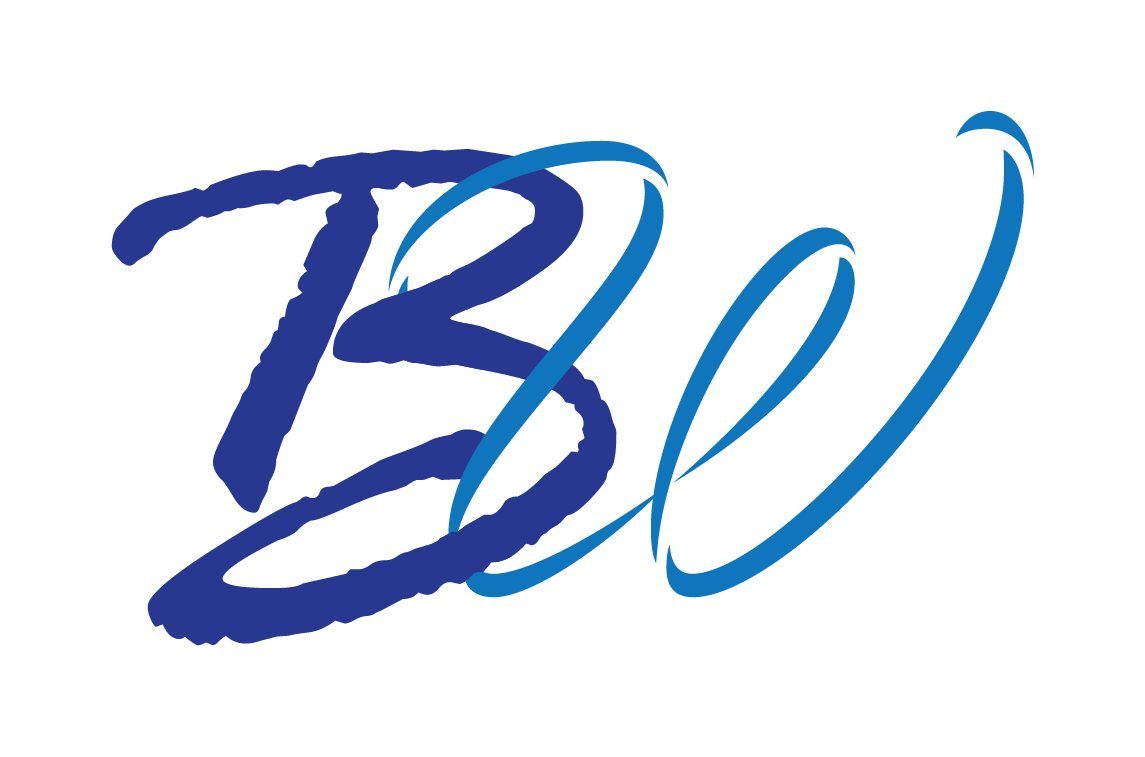
My BW monogram is a small example of the kind of mark where this question comes up. It's a personal monogram I drew in Illustrator for an SCF Typography class in Fall 2025: a brush-script B in dark blue and a ribbon-stroke W in a lighter blue. Two flat colors and no photo means a mark like this could have a spot-color version.
When is CMYK the better choice?
CMYK is the better choice for photos, gradients and anything with a lot of shading. Adobe recommends process color for photographic reproduction and for anything with a lot of shading and nuance.
CMYK is also the default at many online and digital printers. 4over4, for example, says its standard jobs print in full-color CMYK, converts Pantone colors to the closest CMYK build rather than printing a true spot ink, and treats a true PMS spot color as a custom quote.
My Turntable Takeover piece is a typical CMYK job. The brief, from an SCF Communication Design class in Spring 2025, called for "a 4-color process event flyer" for a fictional DJ night. I laid it out in Illustrator as an 11 × 17 in poster in CMYK (U.S. Web Coated SWOP v2) with a stock DJ photo, then packaged it for print. For more on setting up poster files, see poster design, and for the black ink in a CMYK file, see rich black vs 100K black.
Which colors can't CMYK print?
Some colors sit at the edge of, or outside, what four process inks can reach. Adobe notes that spot inks can reproduce colors outside the process printing gamut. 4over4's printer FAQ names the hardest cases:
- Metallics such as gold, silver and copper have no CMYK equivalent at all.
- Neon and fluorescent colors are impossible to simulate in process.
- Bright oranges lose punch in CMYK. 4over4 gives PMS 021 as an example that dulls and shifts toward a brown-red.
If a design depends on one of these, plan for a spot ink from the start. Screens are different: a glowing RGB pink can look far brighter on a phone than it will in CMYK. The neon text in Photoshop guide covers that screen-side effect.
What do the C and U after a Pantone number mean?
C stands for coated and U for uncoated, the two main kinds of paper. The ink itself is made the same either way. What changes is the paper: uncoated stock absorbs more ink, so the same color looks less rich on it. Pantone sells separate coated and uncoated guides so you can see how a color will actually look on each. Pick the version that matches your paper.
How do you convert a Pantone color to CMYK?
Pantone's Color Bridge guide shows each Pantone spot color next to its nearest CMYK equivalent, along with RGB and HTML values for screen use.
Expect a close match, not an exact one. 4over4 notes that some PMS colors can't be matched exactly in CMYK, and that files print as saved, so you should apply the CMYK values yourself rather than leave the conversion to the printer.
How do you set up a spot color in your file?
In Illustrator and InDesign, color mode (CMYK or RGB) and color type (Process or Spot) are separate settings. A spot swatch is what tells the printer to make a separate plate for that ink.
- Load the Pantone color from the color book libraries in the Swatches panel.
- Open Swatch Options (double-click the swatch) and set Color Type to Spot.
- In Illustrator, look for the small dot in the lower-right corner of the swatch, which marks a spot color. In InDesign, check the color-type icon at the right of the swatch row.
- Keep the swatch named with its Pantone number, and use one swatch per ink. A duplicate or near-duplicate spot swatch (say, the same Pantone number named two ways) can create an extra plate; InDesign's Ink Manager can alias one to the other.
When you export, the spot color has to stay a spot color. In InDesign, the Ink Manager decides whether spot inks print as their own plates or convert to process. Leave "All Spots to Process" off when the printer is running a real spot ink. Export settings vary, so ask the printer which PDF settings they want.
What does a digital printer do with Pantone colors?
Many digital and toner presses simulate spot colors with CMYK. Fiery, the print server software used on many digital presses, can use its own built-in color tables to simulate each spot color with the closest CMYK equivalent available. Some have spot-capable setups, but that varies by machine, so ask.
For a vehicle wrap, a sign or any large-format piece, the same rule applies: give the shop your Pantone numbers and their CMYK builds, and let them tell you how they'll match them. The vehicle wrap logo guide lists the other logo details to send.
For logo files or a print piece set up to your printer's specs, see logo design or graphic design. The FAQ covers file deliverables and starting prices.